Tradingview is very good web based charting platform for traders, investors, finance consultants to use for mostly technical analysis and fundamental analysis.
In this post you will see how to create the Tradingview account for your personal use.
- Please click on website “www.tradingview.com“
- You will see below screen

3.Click on “Get Started” button

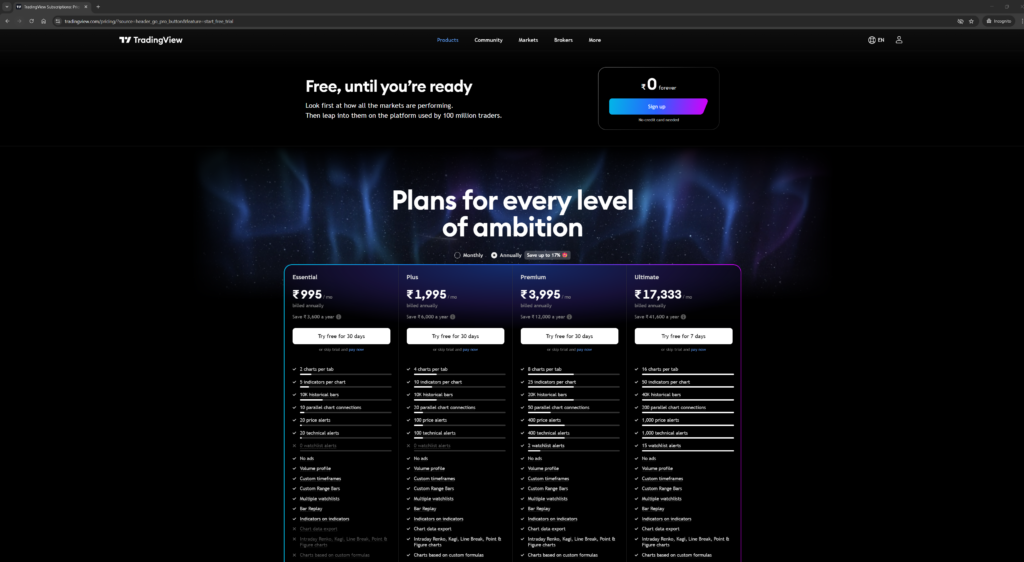
4. Please select the plan you want to like Free, Essential, Plus, Premium or Ultimate as per your need for monthly or annually also you can try specific flan if there is 1 month free offer to try in your geographic location.
5. After selecting the plan you need to Sign Up to tradingview with Google account or Email ID or Facebook, Twitter, Yahoo, Apple or LinkedIn accounts. Easy way is to click on google account so it will fetch all the details automatically.
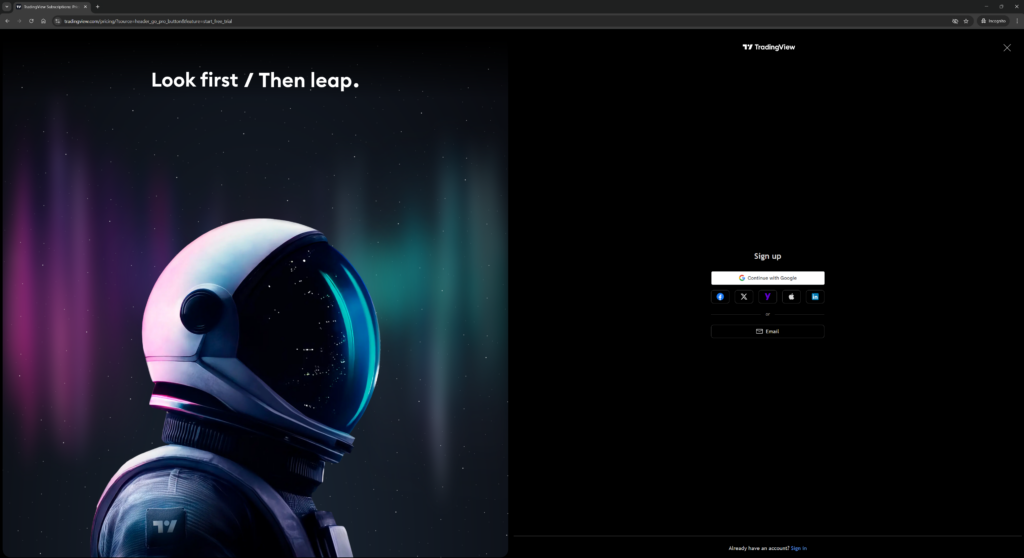
I will use Google account:
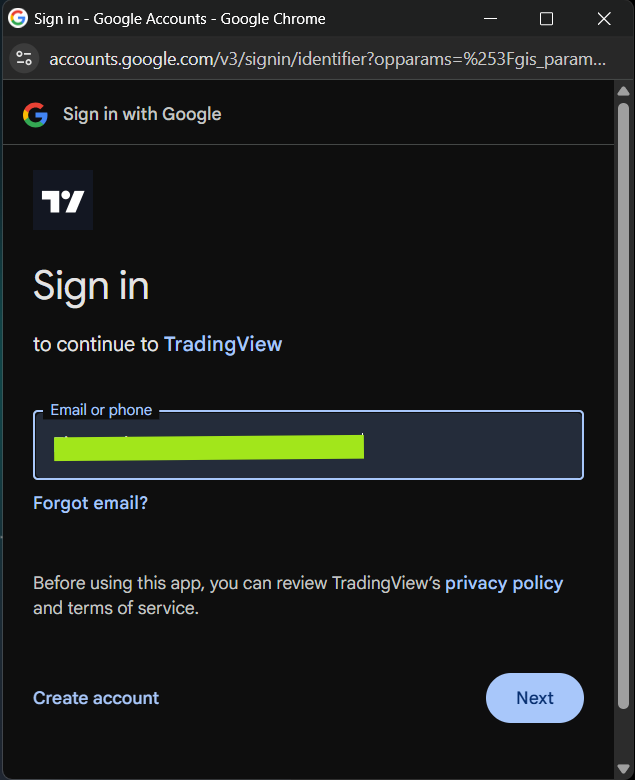
Click “Next”
Enter password and click “Next” to authenticate and continue. Below screen will appear.
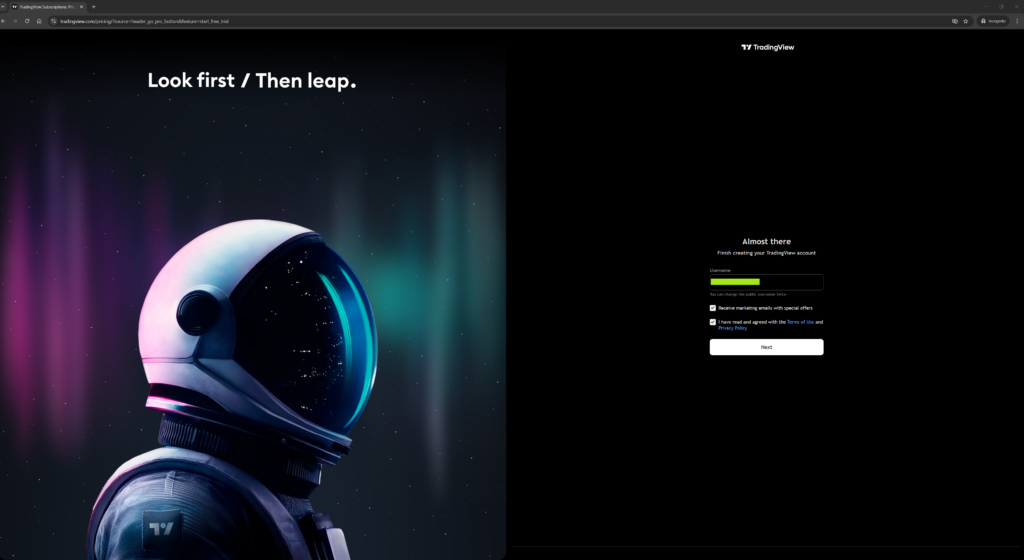
6. Enter the username and read the Terms of Use and Privacy Policy and make the checkboxes ticked.
7. Click on “Next”
Now you have completed all the required steps to open the tradingview account.
8. To see the charts click on “Products” tab and Click on “Supercharts”

Chart will look like below and ready to use
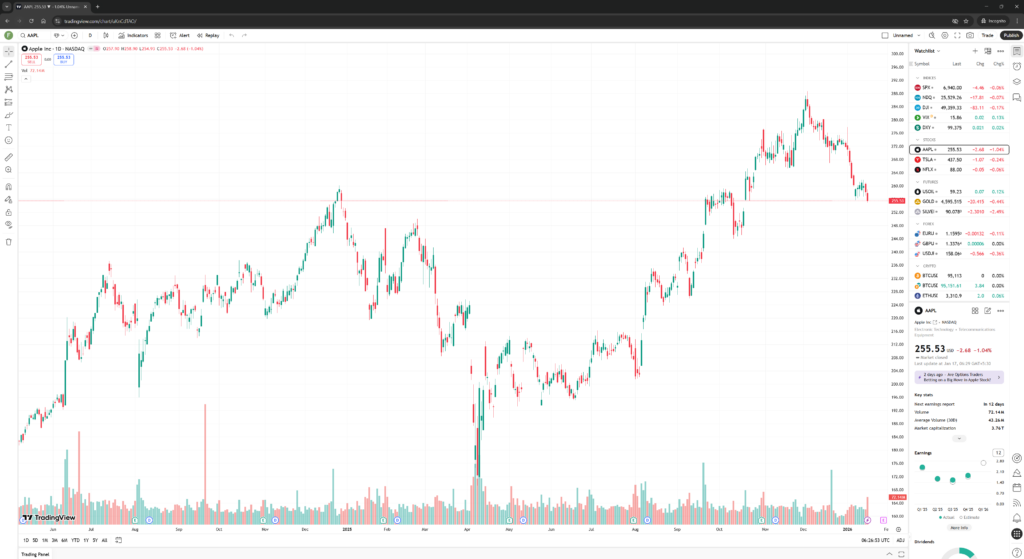
Congratulations you have successfully opened the tradingview account and ready to use now.
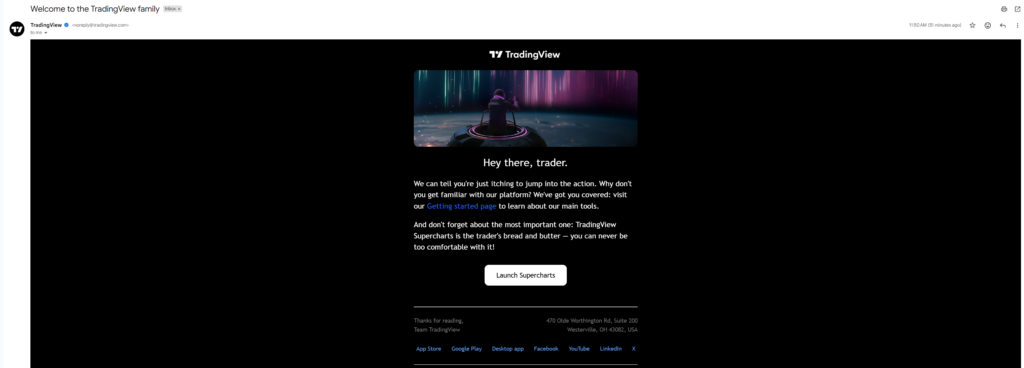
Your will also get below mail from TradingView after you opened the account.